Content ideas
Creates prioritised video ideas with titles, hooks, thumbnail directions and next production steps.
Turns topics and your channel profile into a concrete video pipeline instead of a loose collection of ideas.22 tools for research, planning, production, analytics and publishing – connected in one workspace instead of spread across ten subscriptions.
Free account with 150 credits per month · no payment details required · cancel monthly
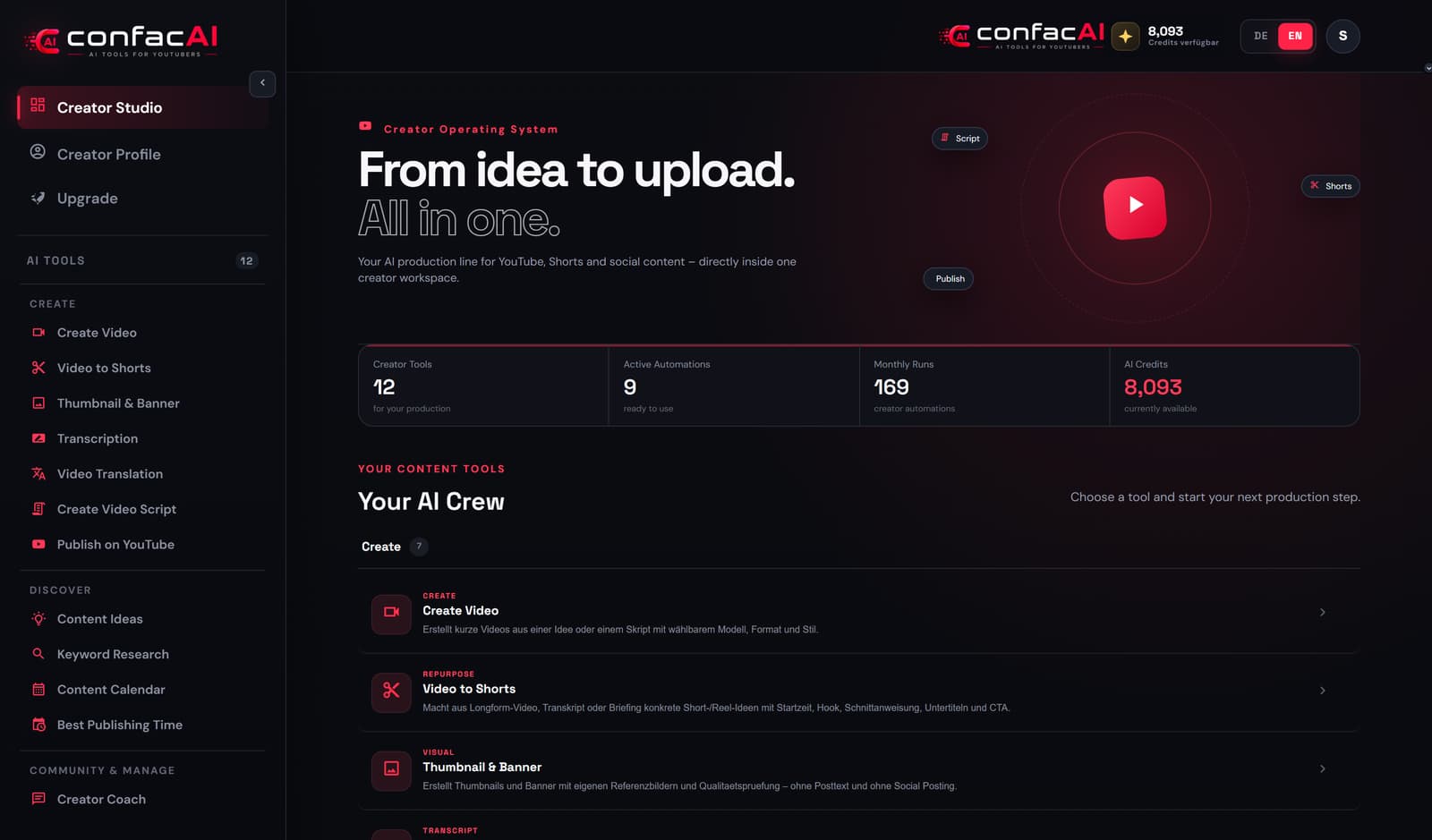 Real screenshot

Most time is not lost in the edit, it is lost between tools: research here, script there, thumbnail somewhere else, upload at the end. confacAI puts those steps into one chain – every step knows the one before it.
Four areas that work together: first find out what is worth doing, then produce it, then publish it and learn from the numbers.
Before you produce: find out which video is worth making at all.
Creates prioritised video ideas with titles, hooks, thumbnail directions and next production steps.
Turns topics and your channel profile into a concrete video pipeline instead of a loose collection of ideas.Identifies search intent, topic clusters, sources and content gaps.
Helps you pick the topics that are worth researching and producing strategically.Compares relevant channels, visible formats and gaps in positioning.
Shows which formats already exist and where your channel can claim its own position.Sorts comments, questions and community feedback by topic, problem and request.
Content comes from real viewer questions instead of guesswork.Surfaces notable topics, formats and possible outlier signals.
Gives you starting points for timely topics and unusual angles.Plans publications, formats, topic pillars and production blocks across several weeks.
Turns ideas into a realistic editorial rhythm you can actually keep.Calculates suitable publishing windows from your connected YouTube data.
Makes upload timing easier without guessing for every single video.From raw idea to finished upload - without switching tools.
Develops a video idea into an outline, keywords, packaging, thumbnail direction and a script approach.
Gets you from a raw idea to a complete concept quickly.Writes a full video script with hook, structure, spoken text and call to action.
Cuts the preparation time for a long-form production substantially.Creates title, description, keywords, tags, chapters, pinned comment, community post and shorts spin-offs.
Makes a finished video ready to upload and promote in one step.Generates AI videos from prompt, style, format, model and optional reference images.
Produces B-roll, scenes or standalone AI clips without a separate video tool.Finds short-worthy passages and returns hook, cutting instructions, subtitle approach and CTA.
Turns one long-form production into several additional publications.Creates thumbnail and banner concepts plus AI images, including follow-up image editing.
Improves the visual packaging and allows fast creative variants.Produces a transcript, timestamps, a short summary and SRT subtitles from audio or video.
Creates the basis for editing, subtitles, translation and content recycling.Separates speakers, translates segments and prepares a new language track.
Lets you localise existing videos for further language markets.Uploads video, thumbnail, title, description, tags, playlist and publishing status to YouTube.
Publishes straight from the Contentfactory instead of several manual steps in YouTube Studio.See what worked and make the next attempt better.
Reviews existing packaging and suggests changes to title, thumbnail, SEO and structure.
Makes concrete improvements visible on videos you have planned or already published.Shows channel and video metrics, trends and relevant performance signals.
Brings the important performance data together in one place.Checks channel profile, content structure, consistency and visible room for improvement.
Returns a prioritised to-do list for improving the channel strategically.Connects performance and community signals with recommendations for new content.
Closes the loop between publishing, learning and planning better.Make decisions and keep your community under control.
Answers strategic creator questions and turns them into concrete next steps.
Works as an AI sparring partner for decisions, ideas and dead ends.Helps you prioritise and phrase community replies and ideas.
Speeds up community work with a consistent tone and clear answers.The images below are unedited screenshots from a live confacAI account – the same interface and the same kind of result you get after signing up.
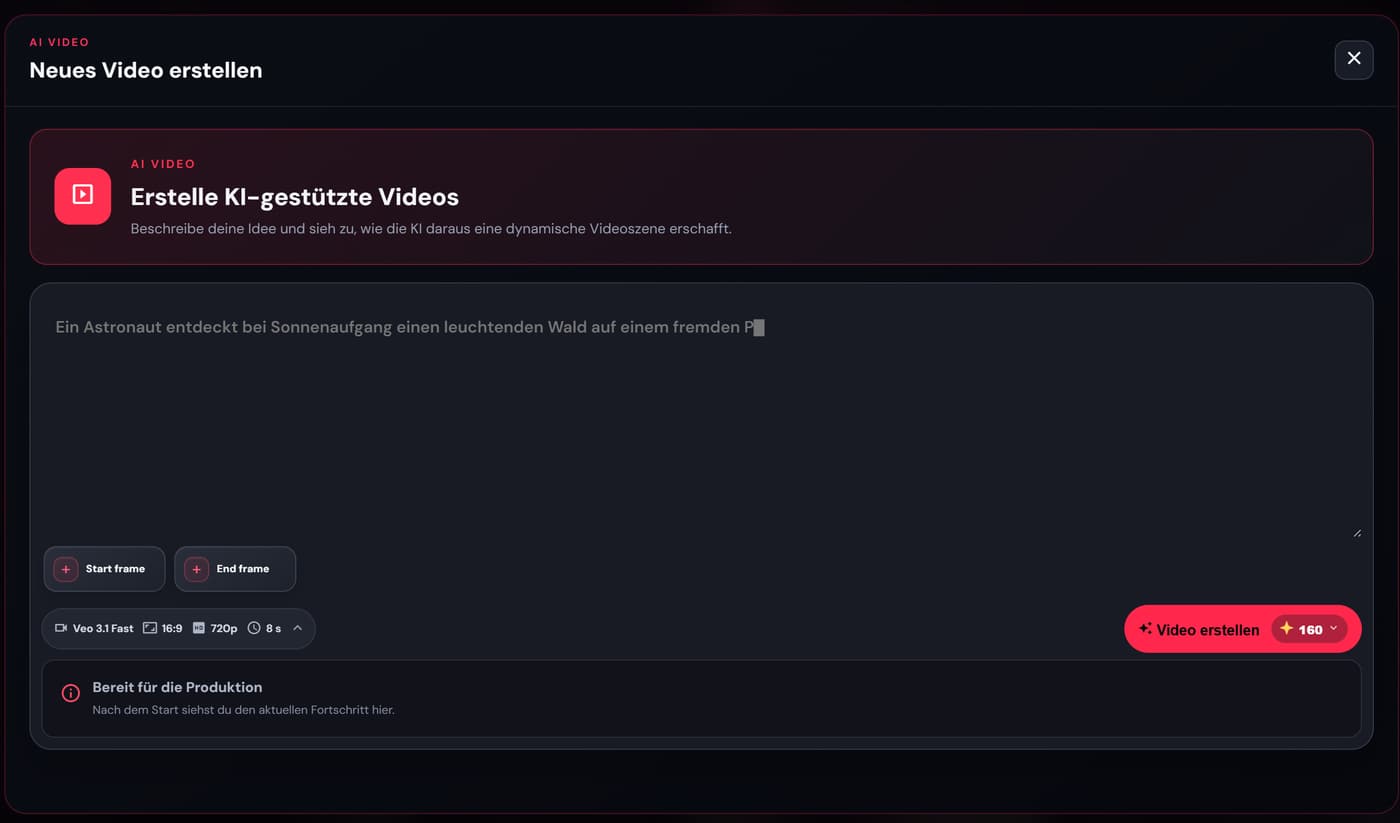
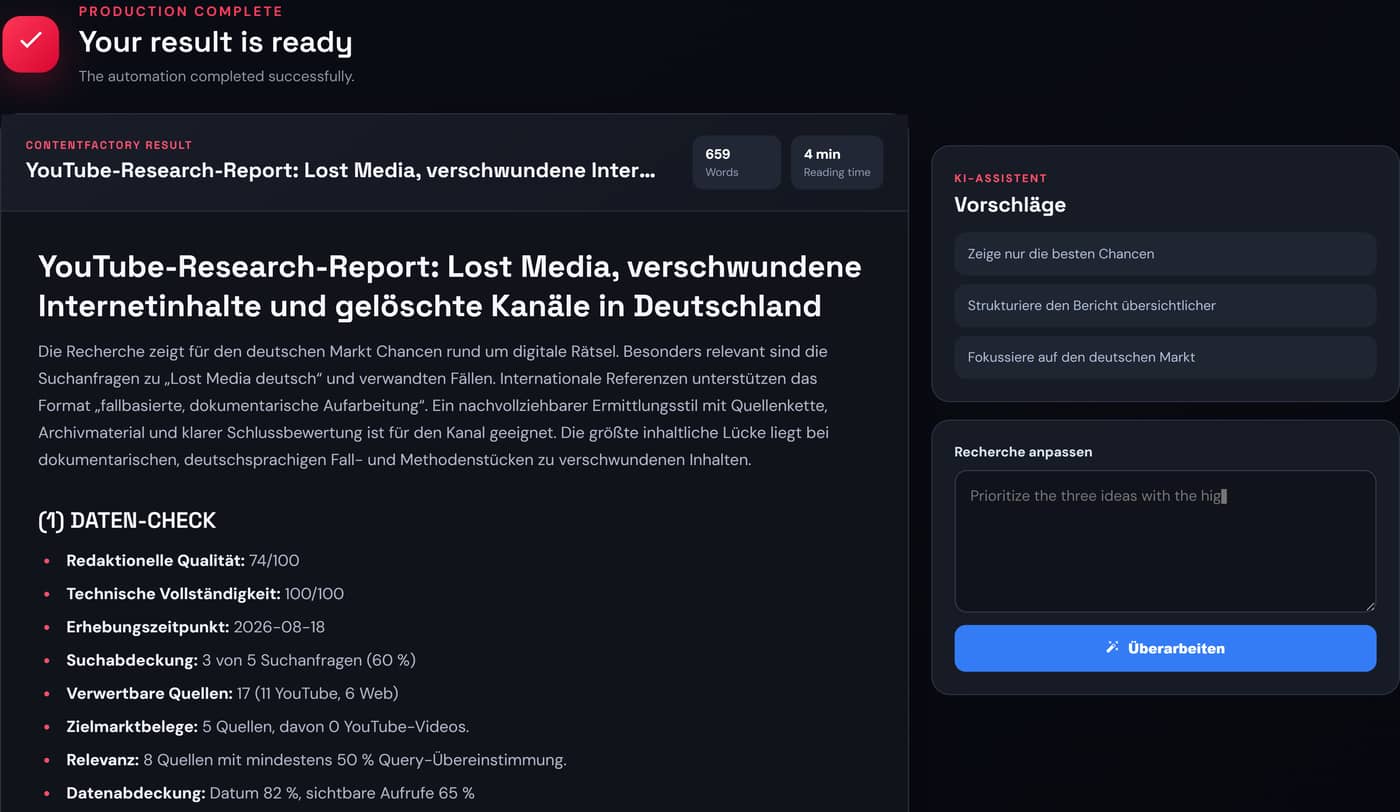
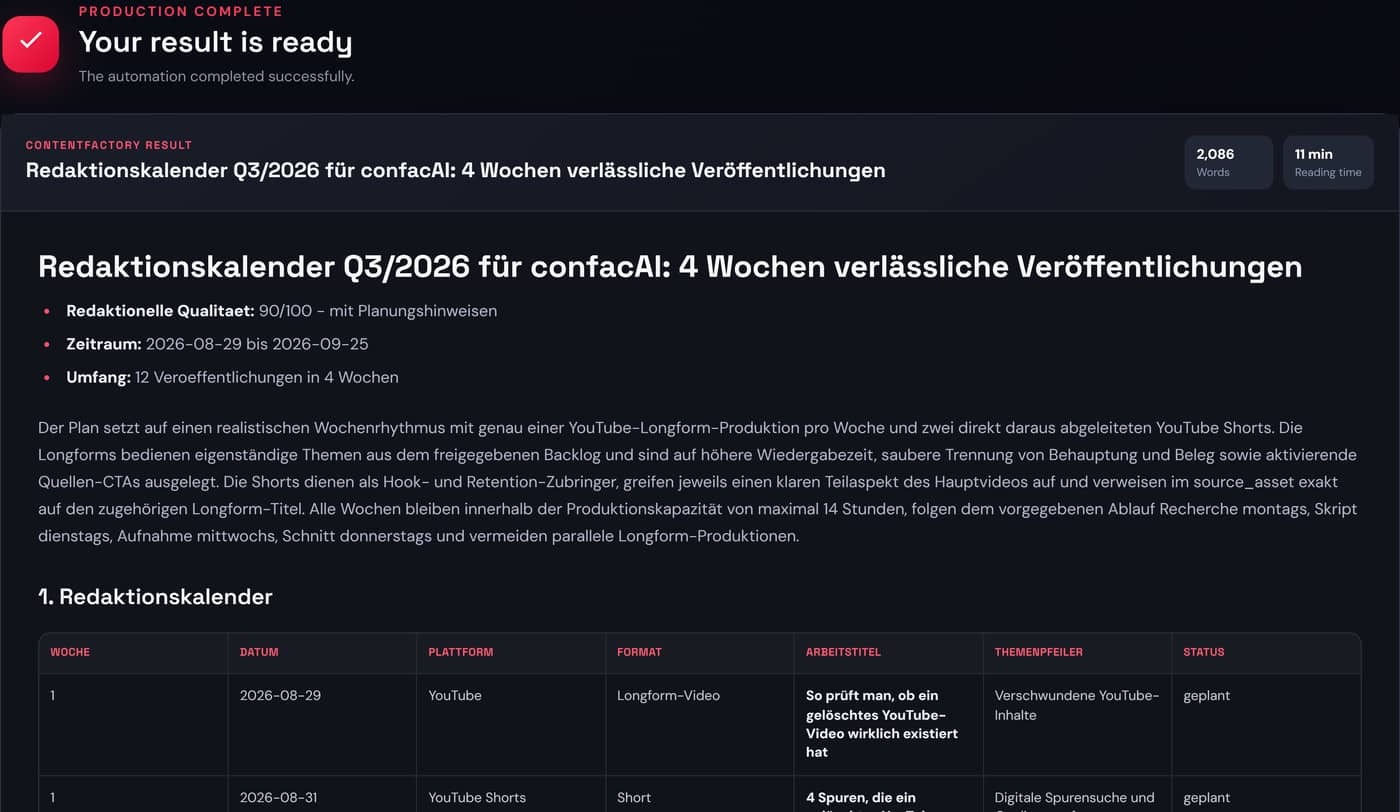
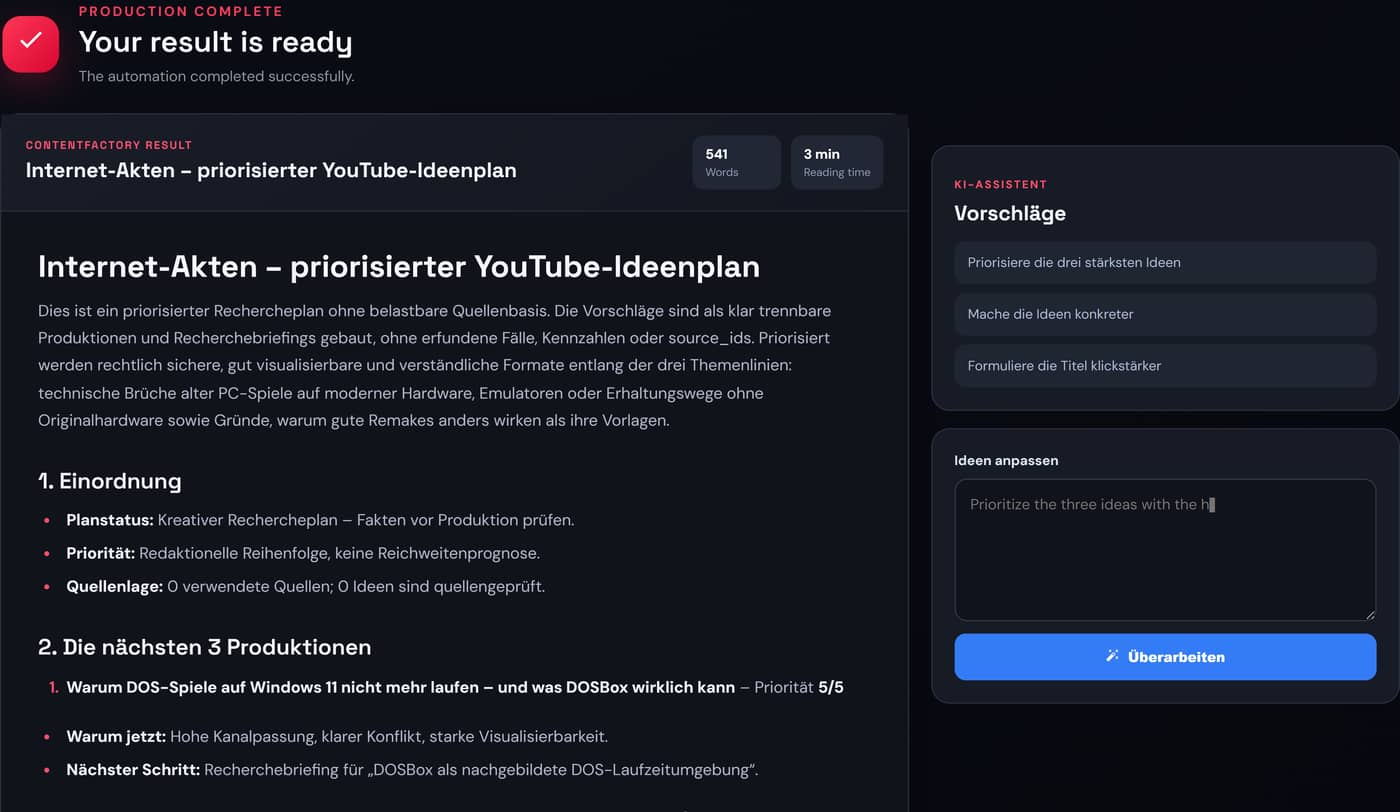
The interface is shown in English; the sample productions themselves were created in German on a test channel, which is why the documents are in German. The length, structure and quality of your own results depend on your briefing, your channel profile and the model you choose.
Four steps that build on each other – from the blank page to the published video.
Set up channel, audience, language and style once. From then on every tool knows your context – you never have to explain it again.
Bring research, keywords, competitors and audience questions together until a topic becomes a format that holds up.
Script, video, thumbnail, shorts and subtitles all come out of the same briefing – every result can be revised instead of restarted.
Upload straight to YouTube, review the numbers and feed what you learned back into the next plan.

Every AI production costs credits. Where they came from decides whether they are still there at the end of the month.
Your plan includes a monthly allowance. At the start of each billing month it is topped back up to the amount agreed in your contract – not added on top.
Credits you buy on top are yours for good. They sit in your account separately from the plan allowance.
Order of use: your monthly plan allowance is spent first, purchased credits second. That way as little as possible expires – your purchased balance stays as a reserve.
One plan for your monthly base volume, top-ups for production peaks. All tools are available on every plan.
You decide with every production how to use your allowance.
Each example assumes that the entire monthly allowance is used for this one production type. Model, resolution, duration and optional features can change the actual usage.
Buy additional credits whenever you need them. Creator and Studio include a 20% plan discount on every top-up, and purchased credits never expire.
Top-up prices apply with an active Creator or Studio plan. Without a plan the price is 20 % higher. Purchased credits do not expire.
All prices include statutory VAT.
confacAI is young. Instead of made-up quotes and star ratings, this page lists what you can verify yourself before signing up – in the product, in the legal pages or right in your browser.
Who is behind thisAnd the testimonials? They will appear here once the first creators have worked with confacAI for a while – with their name, their channel and their consent. Until then this space stays empty rather than being filled with invented voices. Already using it and happy to share your experience? Get in touch.
That depends on where they came from. The monthly allowance from your plan is reset to the amount agreed in your contract at the start of each billing month, so unused plan credits expire. Credits you buy on top of your plan never expire and add up.
Your monthly plan allowance is used first, purchased credits second. That way the credits that would expire anyway are spent first and your purchased balance stays as a reserve.
It depends on the tool. Text and research runs are cheap, image and video generation cost considerably more. The workspace shows the credit cost of each run on the start button before you trigger it.
No. You can buy credits on the Free plan too. With Creator or Studio you pay 20 % less per package.
Yes. Creator and Studio run month to month and can be cancelled at the end of the billing period. Credits you already bought stay in your account after cancelling.
Not for most tools. For analytics, best publishing time, community features and direct upload you connect your channel once – and you can disconnect it at any time.
Create your free account, connect your channel and get the next idea moving – without payment details.
Create a free account